Alternatives to Windows 11 in 2026, depending on what you want (privacy, gaming, familiarity, performance, etc.).
Beginner-friendly Linux options (Download Here)
- Most recommended for Windows users
- Looks and feels similar to Windows (taskbar, start menu, etc.)
- Very stable and easy to use
- Excellent backup tools and update manager built-in
Best for:
- Everyday users
- Old or mid-range PCs
- Beginners
For more information read the installation instructions.
What to do with the ISO file:
You need to write it to a USB drive so you can boot from it.
Steps:
- Get a USB flash drive (8 GB or larger)
- Download and install a tool like Rufus (Windows) or balenaEtcher (Windows, Mac, Linux)
- Insert your USB drive
- Open Rufus or Etcher
- Select:
- USB drive
- Linux Mint ISO file
- Click Start or Flash
- Wait until it finishes
You now have a bootable Linux Mint USB.
Sleek, modern, innovative
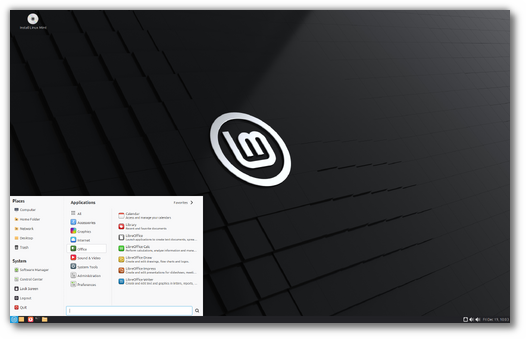
Cinnamon Edition
The most popular version of Linux Mint is the Cinnamon edition. Cinnamon is primarily developed for and by Linux Mint. It is slick, beautiful, and full of new features.
Light, simple, efficient
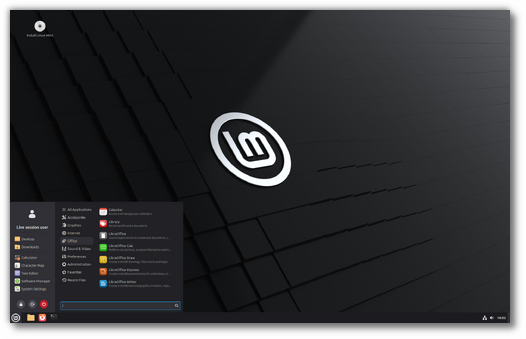
Xfce Edition
Xfce is a lightweight desktop environment. It doesn’t support as many features as Cinnamon but it’s lighter on resource usage.
DOWNLOAD New Features Release Notes
Classic, traditional
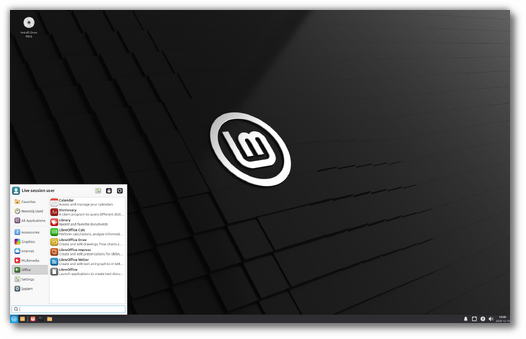
MATE Edition
MATE is a classic desktop environment. It is the continuation of GNOME 2, which was Linux Mint’s default desktop between 2006 and 2011.